 Read AI review
Is Read AI worth it?
It depends on your team. Read AI is worth it if meetings are where your team loses time and you mainly want reliable notes and search. The main drawback: notes and search, not action. It's from $15/user/mo as of November 2026 and ranks #15 of 18 on our rubric. If that isn't your team, look at Marblism, best for solo owners who want cheap, role-based help with inbox, social, leads and phone.
Our verdict
Read AI is a strong, cheap meeting teammate with a real free plan. It remembers what was said, but it doesn't go and do the follow-up work.
Hire Read AI if meetings are where your team loses time and you mainly want reliable notes and search.
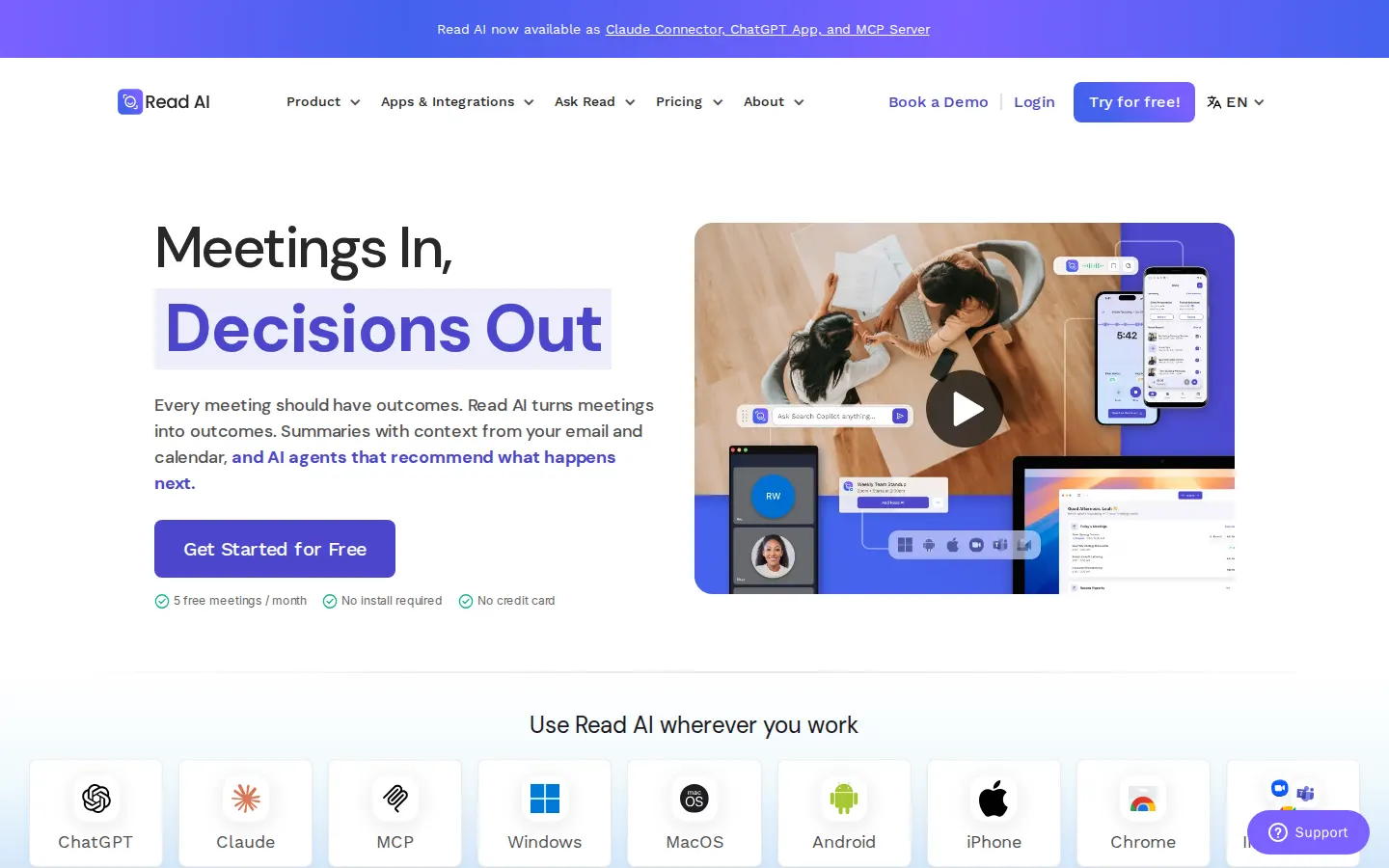
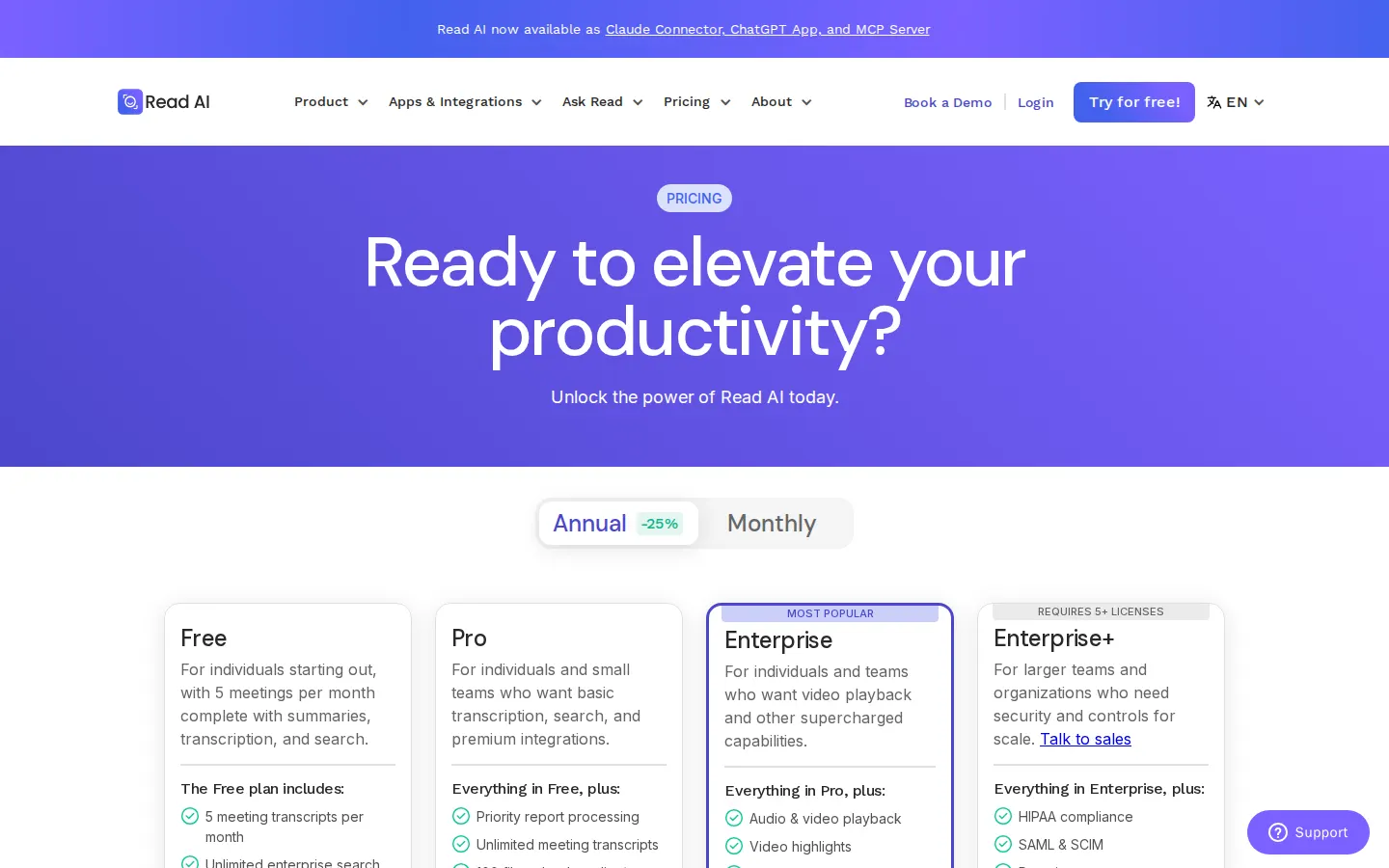
Read AI screenshots
Strengths
- Real free plan
- Notes across Zoom, Teams and Meet
- Search across meetings, email and messages
Concerns
- Notes and search, not action
- Meeting-length limits on lower plans
- No scheduled work
How it scored
- Role coverage (25%):
- How much of a real job can you hand over? Drafting is the floor; finishing the work in your actual tools is the bar.
- Autonomy with control (20%):
- Does it work on a schedule or when something happens, and does it ask before anything risky and keep a record of what it did?
- Where it works (15%):
- Can your team reach it where they already talk: Slack, Teams, Telegram, Discord, email or the phone?
- Business memory (15%):
- Does it remember your business, customers and past decisions, so you don't re-explain everything?
- Value (15%):
- What does a month of real work cost, counting seats, credits, usage and contract minimums?
- Trust (10%):
- Refunds, data controls, security posture, and what real users report.
What Read AI can do
- Works inside Slack
- Works inside Microsoft Teams
- Telegram, Discord, WhatsApp or text
- Reads and sends email
- Takes or makes phone calls
- Works on a schedule or trigger
- Asks before risky actions
- Remembers your business
- Builds and edits your website
- Handles customer payments
- API or MCP access
Read AI pricing
| Plan | Monthly | Billed yearly | Includes |
|---|---|---|---|
| Free | Free/mo | Free/mo | 5 meeting transcripts/mo, unlimited search |
| Pro | $19.75/mo | $15/mo | Per user; unlimited transcripts, premium integrations |
| Enterprise | $29.75/mo | $22.50/mo | Per user, 5+ licenses; playback and highlights |
Prices as of November 2026, in US dollars before tax, as listed on read.ai or the sources below on November 12, 2026. Prices change; check the company's site before you buy.
Read AI alternatives
 Marblism Solo owners who want cheap, role-based help with inbox, social, leads and phone.
 11x Funded sales teams that want an AI SDR for outbound and inbound.
 Artisan B2B teams that want an AI rep for outbound email.
 Motion Teams that want AI scheduling and project planning.Read AI vs Motion
 Sintra AI Owners who mainly need social posts and marketing email written for them.