 Squad review
Is Squad worth it?
It depends on your team. Squad is worth it if you already pay for a top AI subscription and want tight control over teammates running back-office jobs. The main drawback: real cost includes a separate AI subscription. It's from $99/mo as of November 2026 and ranks #12 of 18 on our rubric. If that isn't your team, look at Viktor, best for established teams on Slack or Teams that want an AI teammate across their current tools.
Our verdict
Squad has some of the best controls here, with scoped access, a secrets vault, approvals and full run logs, and a flat price with no markup on AI usage. The real cost is $99 plus a $100 to $200 model subscription, there's no trial, and it's very new.
Hire Squad if you already pay for a top AI subscription and want tight control over teammates running back-office jobs.
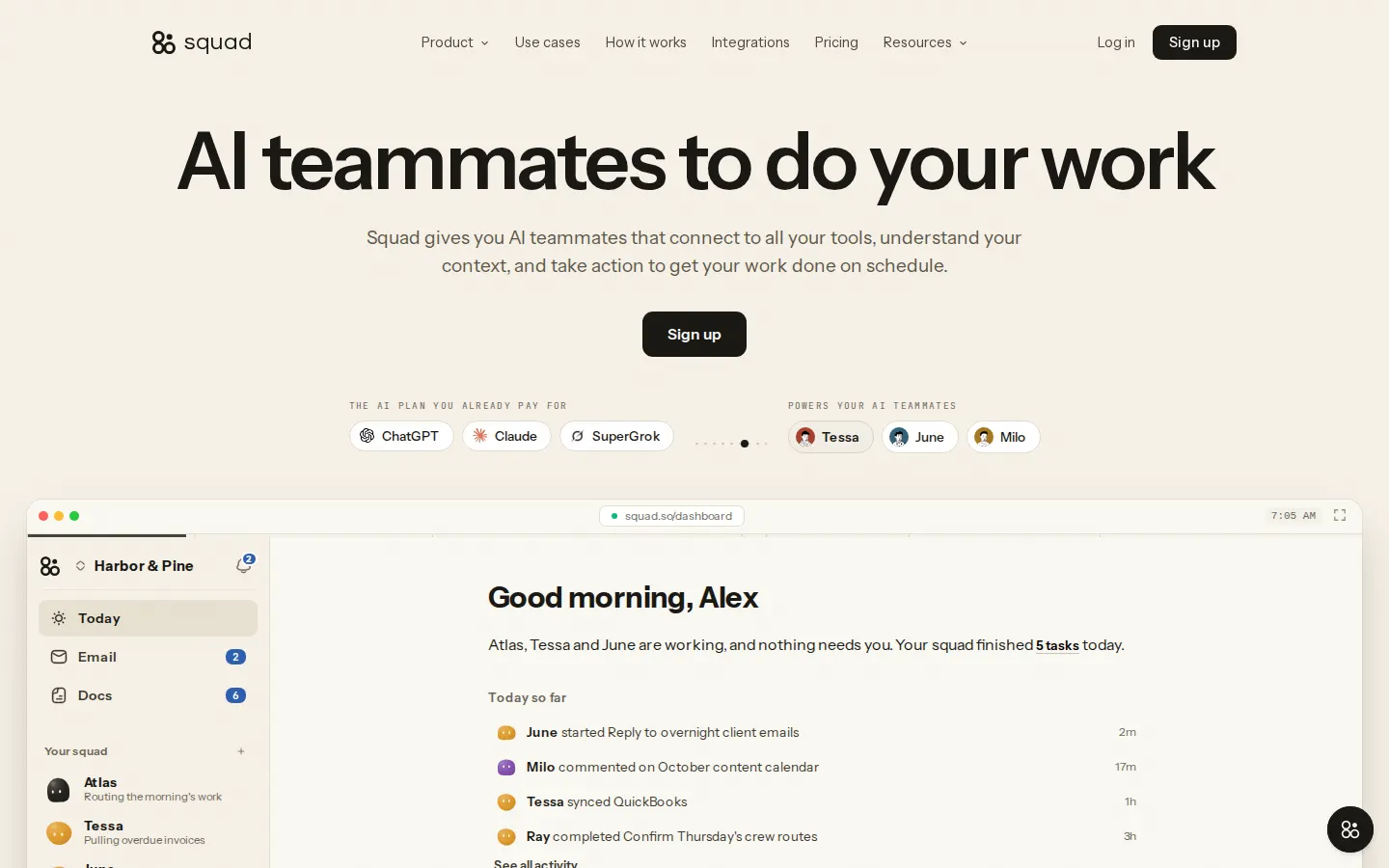
Squad screenshots
Strengths
- Flat price, no markup on AI usage
- Scopes, vault, approvals and run logs
- Choose the model per teammate
- Money-back guarantee
Concerns
- Real cost includes a separate AI subscription
- No trial
- Doesn't live in your chat tools
- Very new, no independent reviews yet
How it scored
- Role coverage (25%):
- How much of a real job can you hand over? Drafting is the floor; finishing the work in your actual tools is the bar.
- Autonomy with control (20%):
- Does it work on a schedule or when something happens, and does it ask before anything risky and keep a record of what it did?
- Where it works (15%):
- Can your team reach it where they already talk: Slack, Teams, Telegram, Discord, email or the phone?
- Business memory (15%):
- Does it remember your business, customers and past decisions, so you don't re-explain everything?
- Value (15%):
- What does a month of real work cost, counting seats, credits, usage and contract minimums?
- Trust (10%):
- Refunds, data controls, security posture, and what real users report.
What Squad can do
- Works inside Slack
- Works inside Microsoft Teams
- Telegram, Discord, WhatsApp or text
- Reads and sends email
- Takes or makes phone calls
- Works on a schedule or trigger
- Asks before risky actions
- Remembers your business
- Builds and edits your website
- Handles customer payments
- API or MCP access
Squad pricing
| Plan | Monthly | Billed yearly | Includes |
|---|---|---|---|
| Squad | $99/mo | n/a | Unlimited AI teammates, cloud computer, 70+ integrations; your own AI subscription required |
Prices as of November 2026, in US dollars before tax, as listed on squad.so or the sources below on November 12, 2026. Prices change; check the company's site before you buy.
Squad alternatives
 Viktor Established teams on Slack or Teams that want an AI teammate across their current tools.
 Claude (Team) Teams that want a top-quality thinking and writing teammate in Slack.
 ChatGPT Business Teams that want the familiar ChatGPT with shared projects and admin controls.
 Lindy Busy owners who want an AI assistant for inbox, calendar, meetings and calls.
 Manus One-off research and build projects you hand to an agent.